> ## Documentation Index
> Fetch the complete documentation index at: https://docs.uxarts.ai/llms.txt
> Use this file to discover all available pages before exploring further.
# Figma Plugin — UIdraft Make
> Install UIdraft Make for Figma — a context‑aware design copilot that reads your canvas and extends your layout.
> 🎉 Subscribe to UIdraft to get UIdraft Make Plus Plan — Free!
## The first Context‑Aware Design Copilot
### How it’s different from Figma Make
Figma Make is great for generating a page from scratch, but it doesn’t fully read your existing file’s design system. Our plugin works inside your current canvas, detecting your text styles, colors, variables, auto‑layout, and spacing — then generating new sections that match your layout rhythm and tone. Instead of starting over, you keep your design consistency and simply extend it.
## 🧠 Context‑Aware Generation
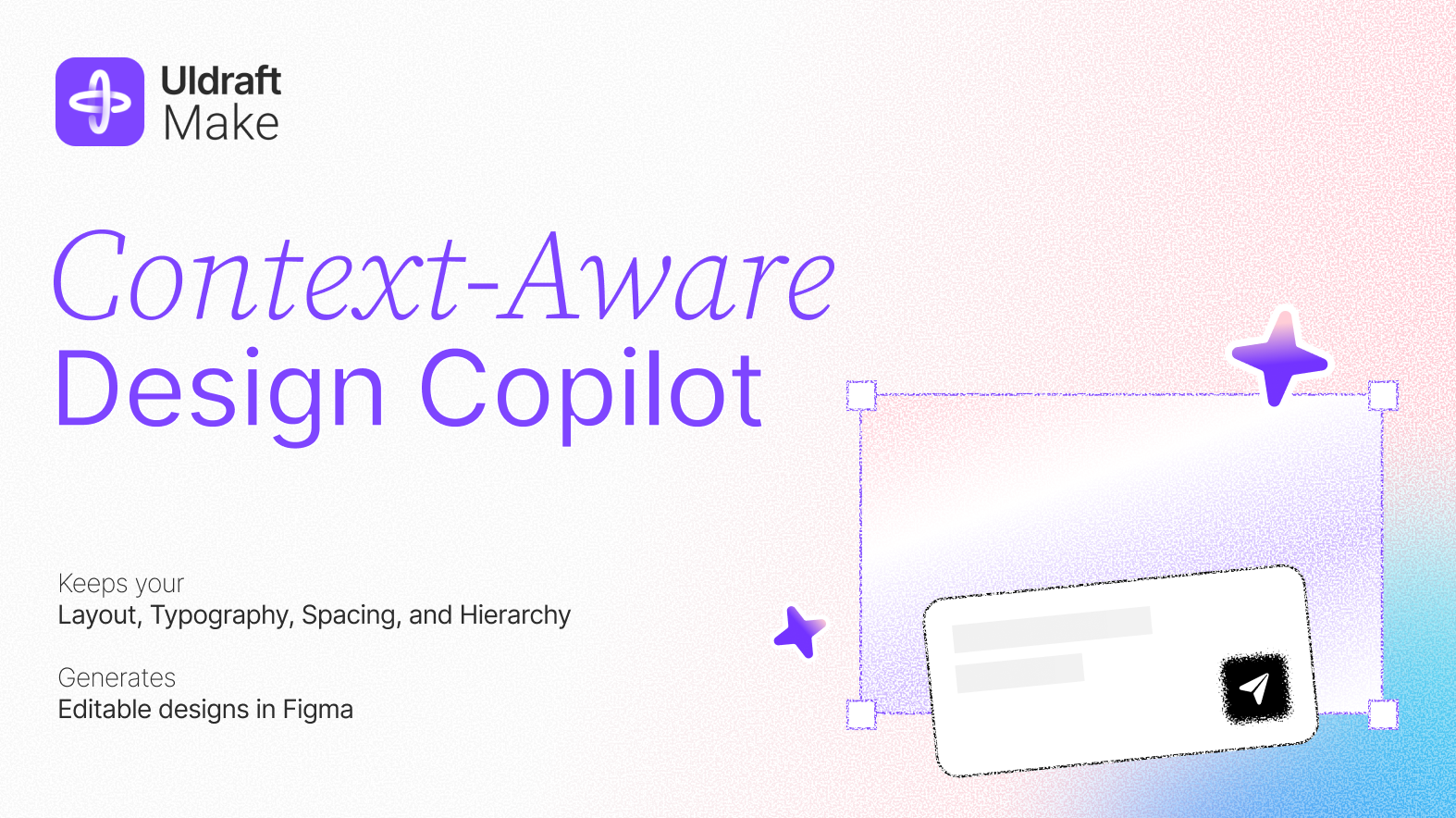 Powered by prompts, driven by context. UIdraft uses natural language prompts but doesn’t start from scratch. It creates with full awareness of your existing layout, structure, and style.
* ✅ Smart prompts guided by your current canvas
* ✅ Matches your layout rules, typography, spacing, and hierarchy
* ✅ No blank‑page confusion — real context for real design continuity
> 🆚 Unlike tools that generate disconnected mockups from generic prompts, UIdraft understands what’s already on your canvas and builds upon it seamlessly.
## 🪄 Page Completion & Extension
Powered by prompts, driven by context. UIdraft uses natural language prompts but doesn’t start from scratch. It creates with full awareness of your existing layout, structure, and style.
* ✅ Smart prompts guided by your current canvas
* ✅ Matches your layout rules, typography, spacing, and hierarchy
* ✅ No blank‑page confusion — real context for real design continuity
> 🆚 Unlike tools that generate disconnected mockups from generic prompts, UIdraft understands what’s already on your canvas and builds upon it seamlessly.
## 🪄 Page Completion & Extension
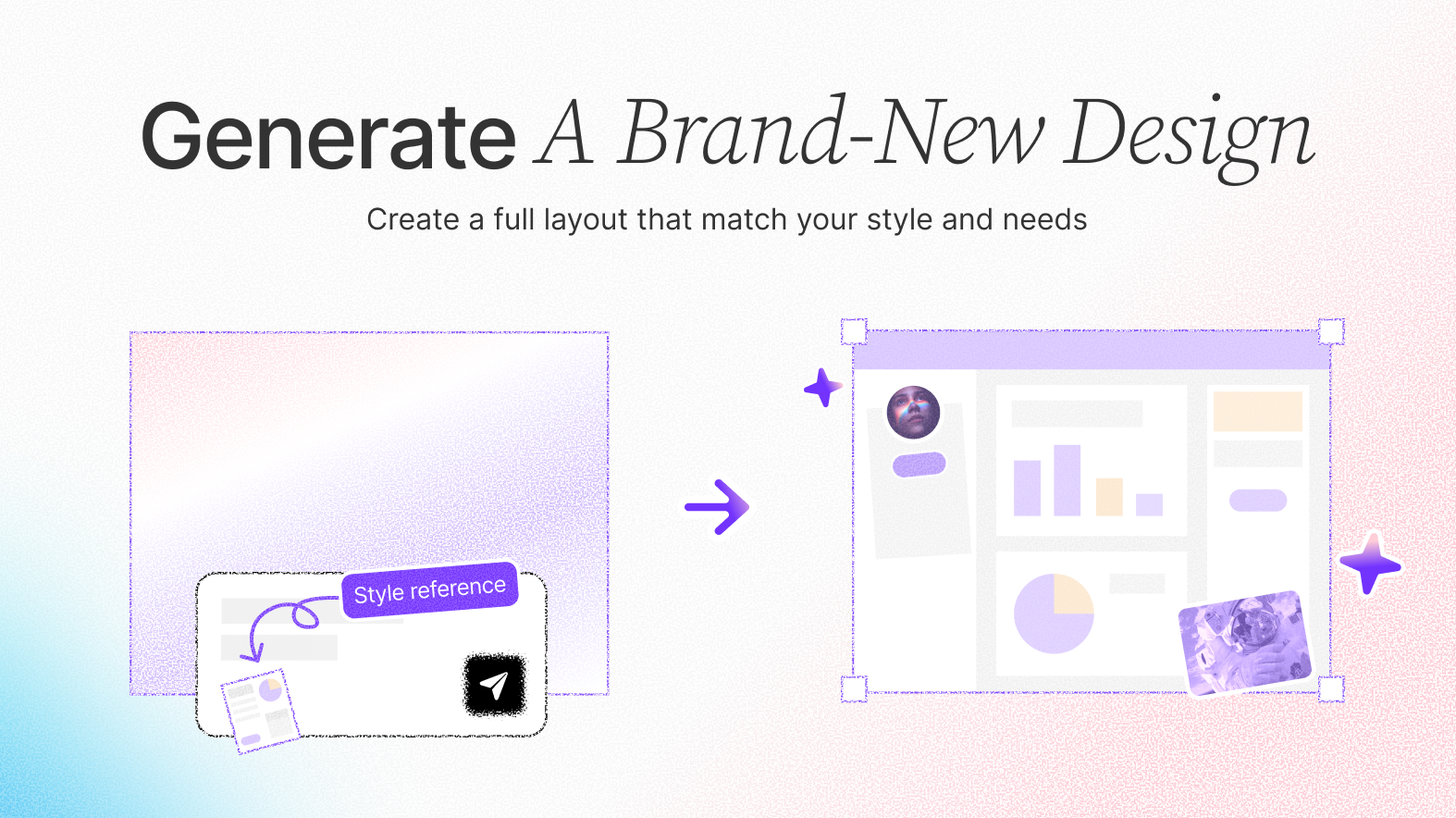 Start with a section, finish with a full page. UIdraft lets you sketch out a part of your design, then uses that as a foundation to generate the rest — matching your visual language, layout rhythm, and interaction patterns.
* ✅ “You create the first 30%, we’ll complete the remaining 70%”
* ✅ Fill in missing parts without disrupting your design
* ✅ All results are editable elements, not static screenshots
> 🆚 Unlike tools that generate one‑off screens, UIdraft helps you scale real work‑in‑progress files with precision.
## 🛠️ Frame‑Level Optimization
Start with a section, finish with a full page. UIdraft lets you sketch out a part of your design, then uses that as a foundation to generate the rest — matching your visual language, layout rhythm, and interaction patterns.
* ✅ “You create the first 30%, we’ll complete the remaining 70%”
* ✅ Fill in missing parts without disrupting your design
* ✅ All results are editable elements, not static screenshots
> 🆚 Unlike tools that generate one‑off screens, UIdraft helps you scale real work‑in‑progress files with precision.
## 🛠️ Frame‑Level Optimization
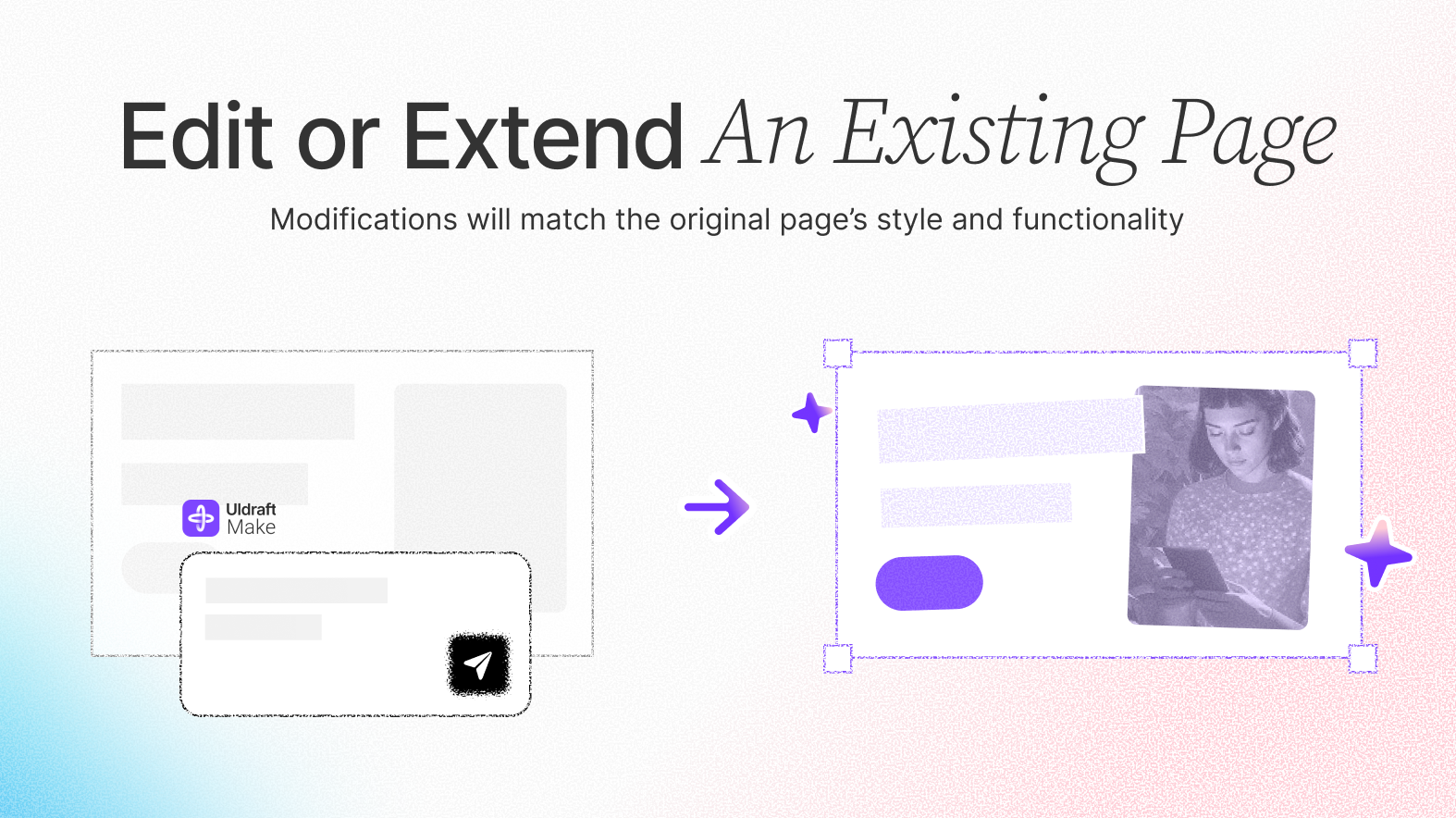 Skip pixel‑by‑pixel polishing. Select any frame or component group and prompt UIdraft to “make it cleaner,” “fix spacing,” or “organize the layout” — it handles the rest instantly.
* ✅ AI‑powered spacing, alignment, layout, and visual balance
* ✅ Works with messy frames, partial layouts, and rough components
* ✅ Keeps your design intact while making it better
## ⚡ Lightning Fast, Built for Flow
Instant results with no waiting and no hallucinations. Every action is grounded in what’s on your canvas and remains in your control.
Open the official Figma plugin page to install and start designing with context awareness.
## Install & Permissions
Open the plugin page and click “Install”.
Run the plugin in your file and sign in with your UIdraft account to link credits.
Make sure you have edit permission and plugin access is enabled in the file.
## Troubleshooting
* Authorization failed → Sign out in the plugin menu, sign in again.
* Nothing changes → Select a frame or component group before prompting.
* Styles not matched → Ensure text styles, color variables and auto‑layout are defined.
Skip pixel‑by‑pixel polishing. Select any frame or component group and prompt UIdraft to “make it cleaner,” “fix spacing,” or “organize the layout” — it handles the rest instantly.
* ✅ AI‑powered spacing, alignment, layout, and visual balance
* ✅ Works with messy frames, partial layouts, and rough components
* ✅ Keeps your design intact while making it better
## ⚡ Lightning Fast, Built for Flow
Instant results with no waiting and no hallucinations. Every action is grounded in what’s on your canvas and remains in your control.
Open the official Figma plugin page to install and start designing with context awareness.
## Install & Permissions
Open the plugin page and click “Install”.
Run the plugin in your file and sign in with your UIdraft account to link credits.
Make sure you have edit permission and plugin access is enabled in the file.
## Troubleshooting
* Authorization failed → Sign out in the plugin menu, sign in again.
* Nothing changes → Select a frame or component group before prompting.
* Styles not matched → Ensure text styles, color variables and auto‑layout are defined.