

🎉 Subscribe to UIdraft to get UIdraft Make Plus Plan — Free!
The first Context‑Aware Design Copilot
How it’s different from Figma Make
Figma Make is great for generating a page from scratch, but it doesn’t fully read your existing file’s design system. Our plugin works inside your current canvas, detecting your text styles, colors, variables, auto‑layout, and spacing — then generating new sections that match your layout rhythm and tone. Instead of starting over, you keep your design consistency and simply extend it.🧠 Context‑Aware Generation
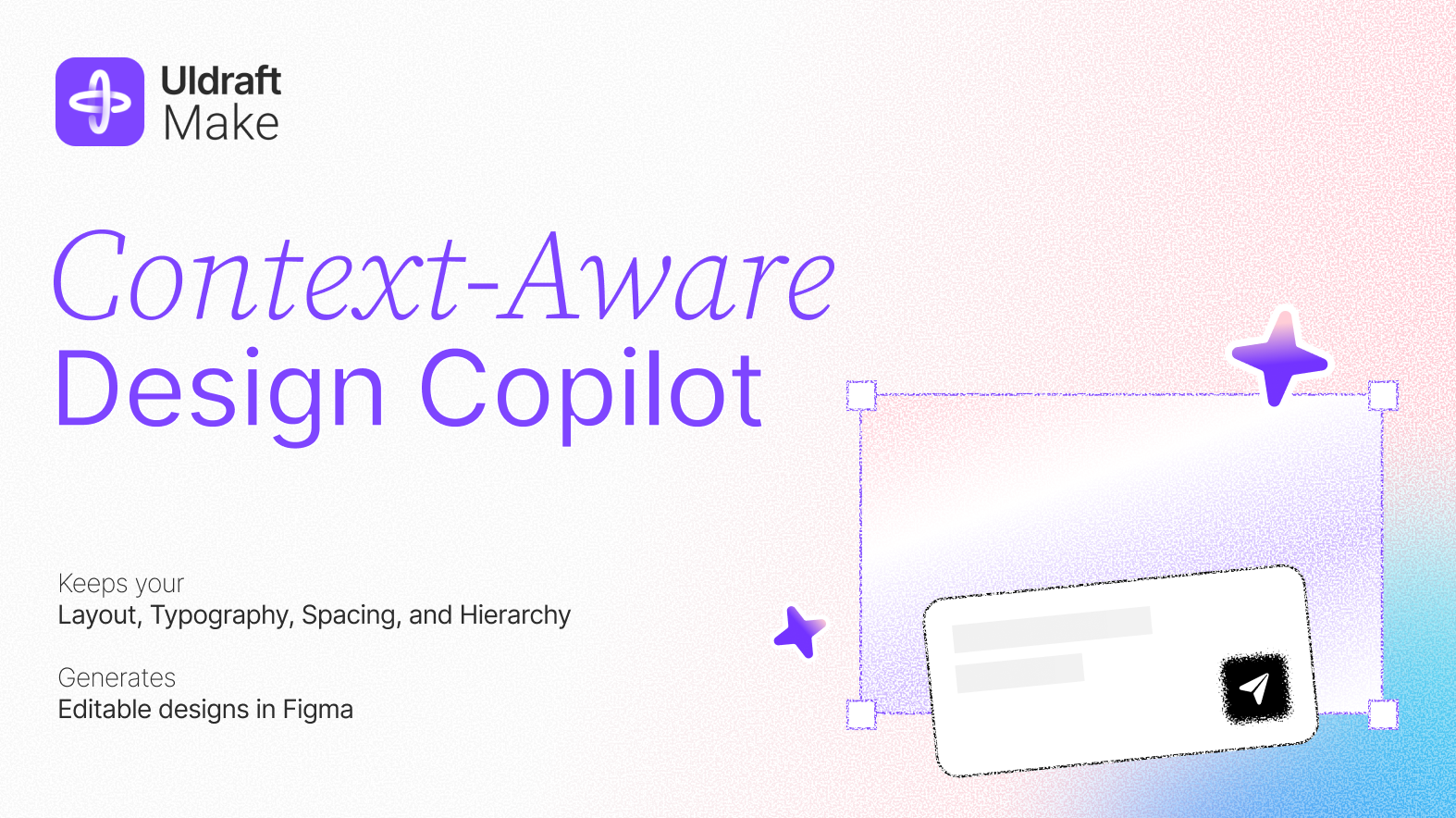
- ✅ Smart prompts guided by your current canvas
- ✅ Matches your layout rules, typography, spacing, and hierarchy
- ✅ No blank‑page confusion — real context for real design continuity
🆚 Unlike tools that generate disconnected mockups from generic prompts, UIdraft understands what’s already on your canvas and builds upon it seamlessly.
🪄 Page Completion & Extension
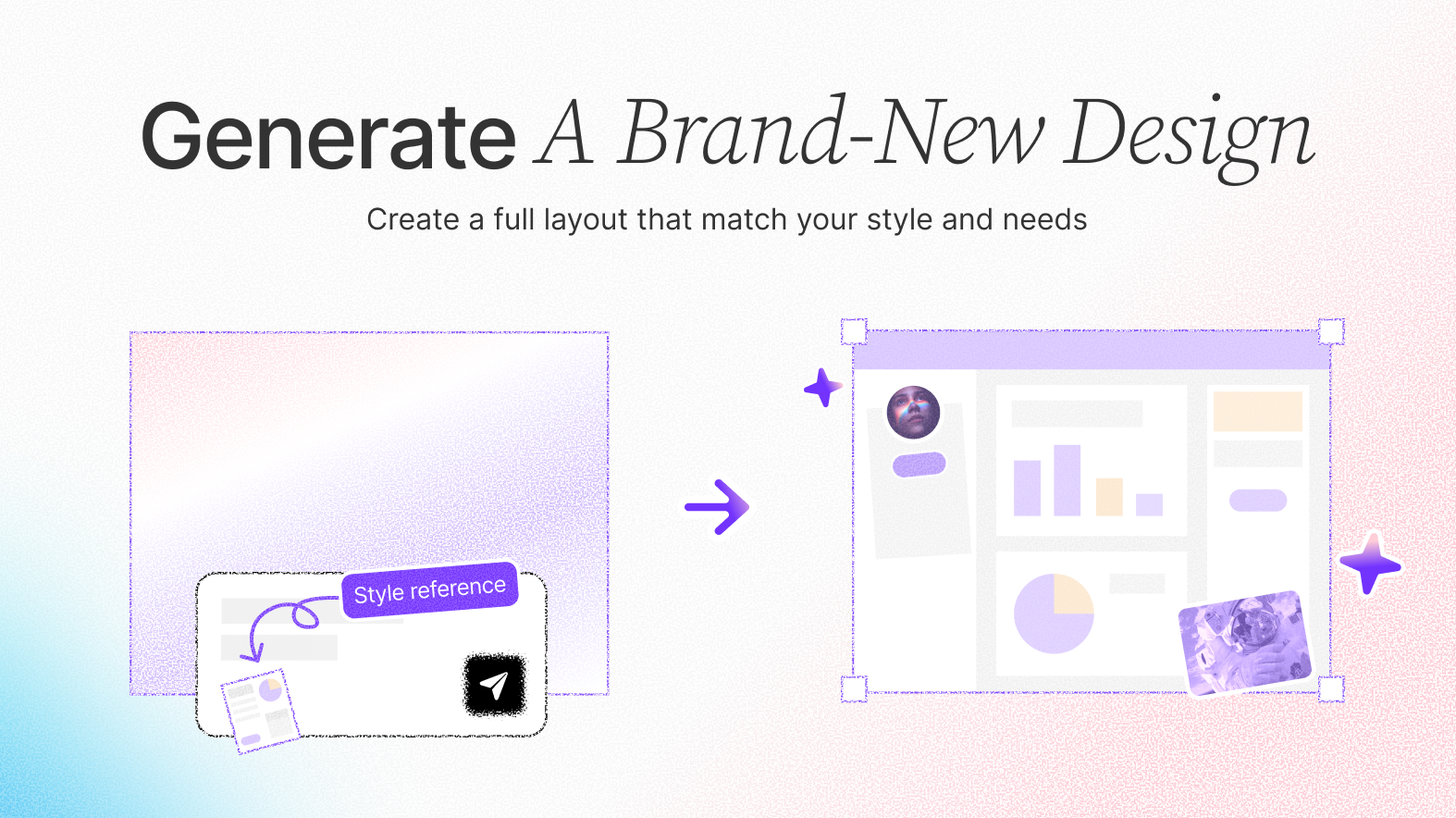
- ✅ “You create the first 30%, we’ll complete the remaining 70%”
- ✅ Fill in missing parts without disrupting your design
- ✅ All results are editable elements, not static screenshots
🆚 Unlike tools that generate one‑off screens, UIdraft helps you scale real work‑in‑progress files with precision.
🛠️ Frame‑Level Optimization
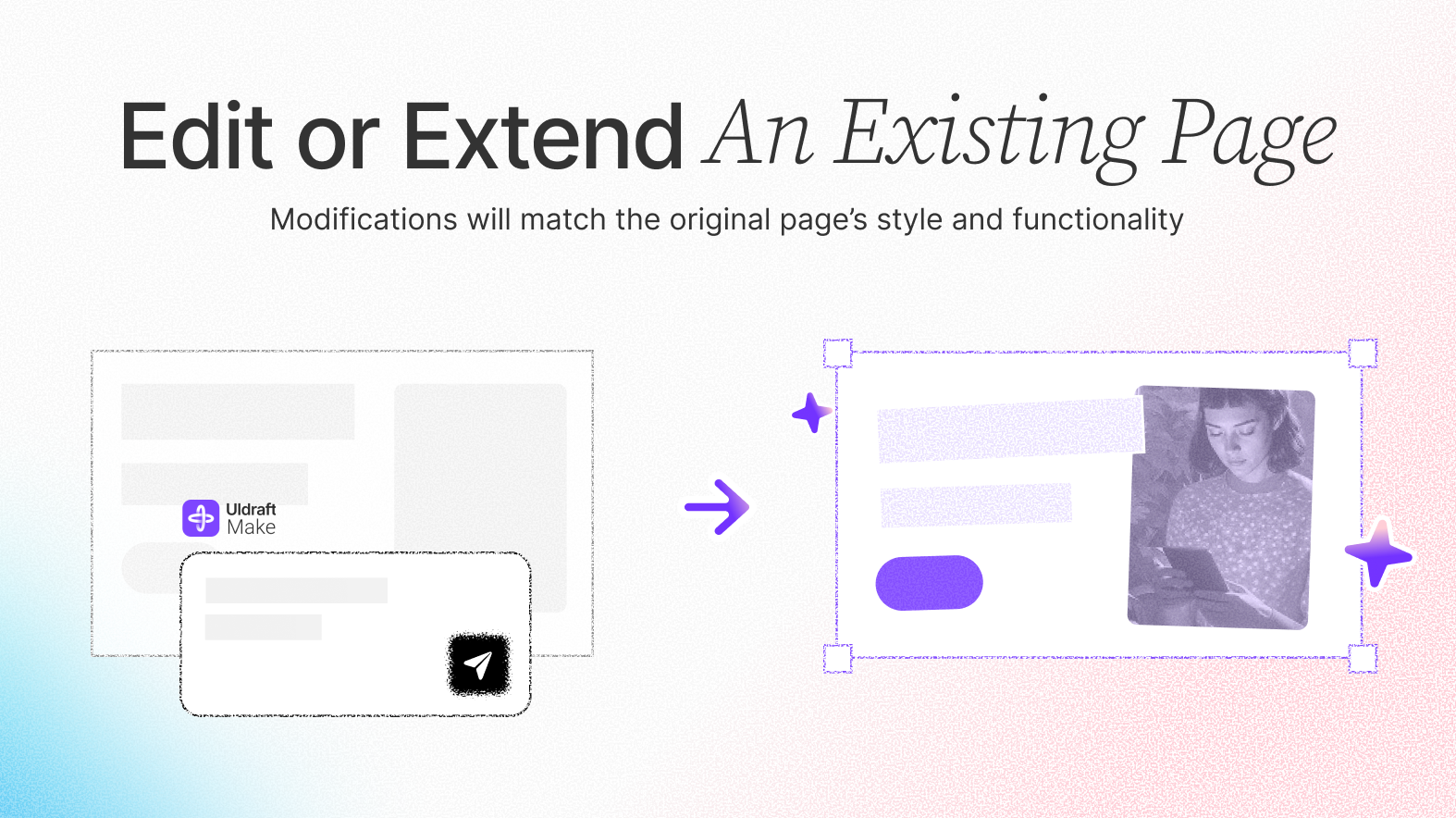
- ✅ AI‑powered spacing, alignment, layout, and visual balance
- ✅ Works with messy frames, partial layouts, and rough components
- ✅ Keeps your design intact while making it better
⚡ Lightning Fast, Built for Flow
Instant results with no waiting and no hallucinations. Every action is grounded in what’s on your canvas and remains in your control.UIdraft Make — Prompt to Edit
Open the official Figma plugin page to install and start designing with context awareness.
Install & Permissions
1
Install from Figma Community
Open the plugin page and click “Install”.
2
Run & Sign in
Run the plugin in your file and sign in with your UIdraft account to link credits.
3
Grant file access
Make sure you have edit permission and plugin access is enabled in the file.
Troubleshooting
- Authorization failed → Sign out in the plugin menu, sign in again.
- Nothing changes → Select a frame or component group before prompting.
- Styles not matched → Ensure text styles, color variables and auto‑layout are defined.